
Turn lecture slides into flashcards.
Add your PowerPoint deck and Quibly turns the slides into flashcards with hints and memory tips, plus a quiz and true/false checks to test yourself.

How it works
Add your slides
Pick a PowerPoint .pptx file from Files or straight from your course download.
Pick flashcards
Choose flashcards, add multiple choice or true/false if you like, and set the difficulty.
Flip and learn
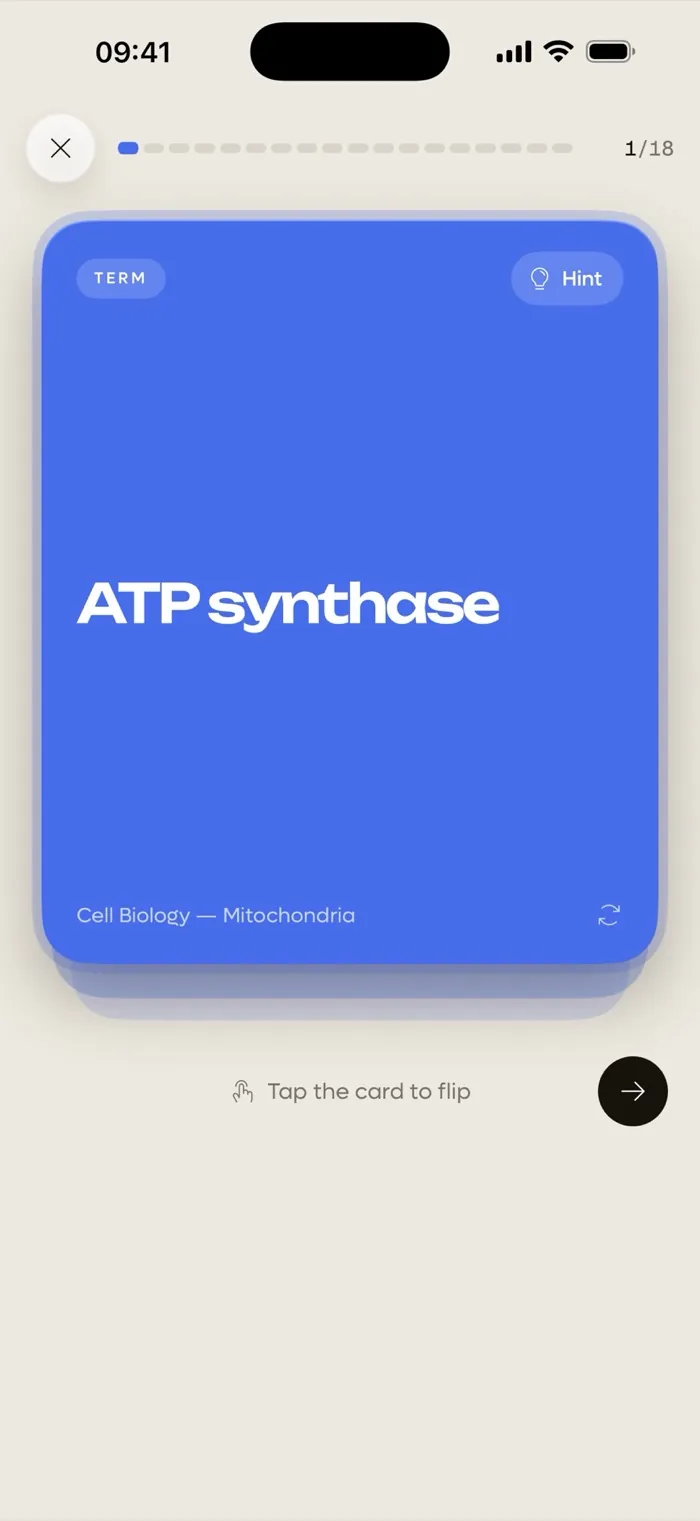
Tap a card to flip it. Stuck? Open the hint or the memory tip on the card.
Why students use Quibly for this
Made for lecture decks
Lecture slides are short on sentences and long on keywords. Quibly turns them into question and answer pairs you can actually study from, instead of rereading the deck.
Hints and memory tips
Each flashcard can include a hint to nudge you and a memory tip to help it stick, so a card you keep missing gets easier.
Quiz yourself after
The same set can include multiple choice and true/false questions from the same slides, so you can switch from learning to testing.
Questions
Which PowerPoint files work?
Modern PowerPoint files (.pptx). Older .ppt files are not supported.
Can I also make a quiz from my slides?
Yes. Pick multiple choice and true/false along with flashcards and they all come from the same deck.
Do the flashcards come out in my language?
Yes. Flashcards follow the language of your slides or your study goal.
Is it free?
Quibly is free to start. A Quibly Premium subscription unlocks more study sets and features.
More ways to study with Quibly
Free to start on iPhone.
No account. Requires iOS 18 or later.